
Link a Control
- In the folder tree, right click the policy
- Select the Linked Controls option
- Select the Engagement and the Domain
- Review the list of controls that appear:
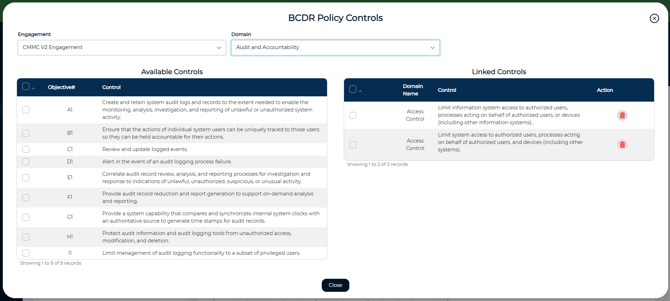
- The list on the left are controls available to link to the selected policy
- The list on the right are controls that have already been linked
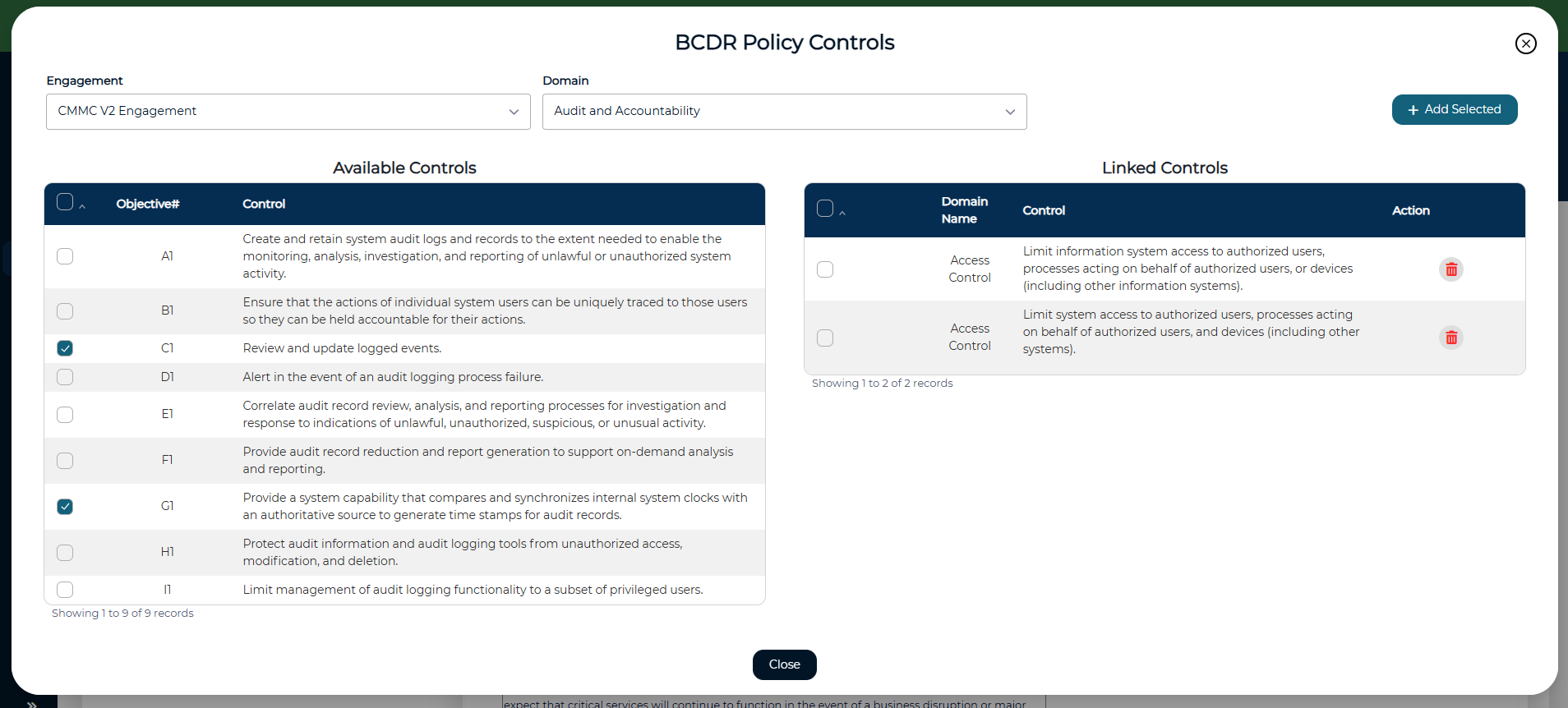
- Check the box next to each control to be added
- Click Add Selected to link them
You can also:
- Link a policy to multiple domains if needed
- Remove a linked control later by clicking the trash icon