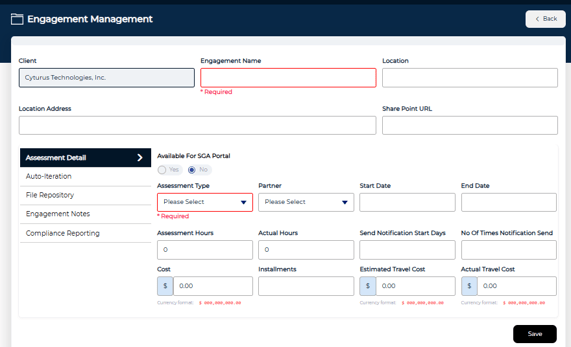
Create an Engagement
There are two paths to create a new engagement:
Via Assessment Management
1. Navigate to Assessment Management module
- Select any engagement status card on the dashboard (All, Open, or Closed)
2. Select the Add button
Via Client Details
1. Within Administration > Manage Client > Client Details, select the Engagement tab
2. Select Create New Engagement
3. Enter Engagement Details
- In the Assessment Details section, select an Assessment Type
- Only assessment types assigned to the selected client will be available in the dropdown.
4. Click Save to create the engagement