Add a New Risk
-
Navigate to Risk Register > Risk Register List
- Select the Add button
-
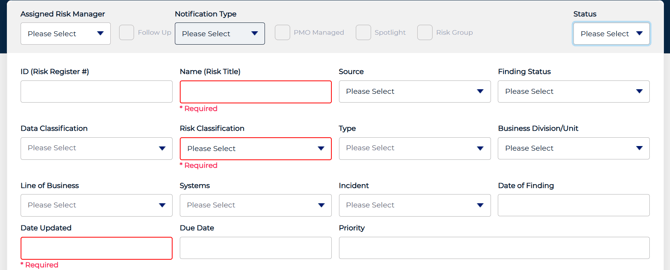
Enter required information
-
Required fields vary by client configuration and are determined by your organization’s Risk Register settings. Any required fields will be clearly indicated on the form.
- If you are missing information, you can save the risk as a draft and update it later.
-
- Once fields are completed, select Submit to add the risk to the register.