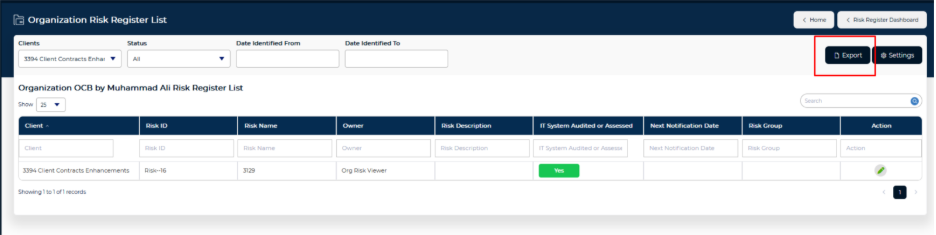
A new screen, Organization Risk Register, has been introduced. It provides a consolidated view of all risks across the instance, filtered by each user’s access level and selected perspective - similar to the existing risk list within the Risk Register module. To enable this capability, a new user entitlement, Organization Risk Viewer, has been added. Only users with this entitlement can access the Organization Risk Register screen.
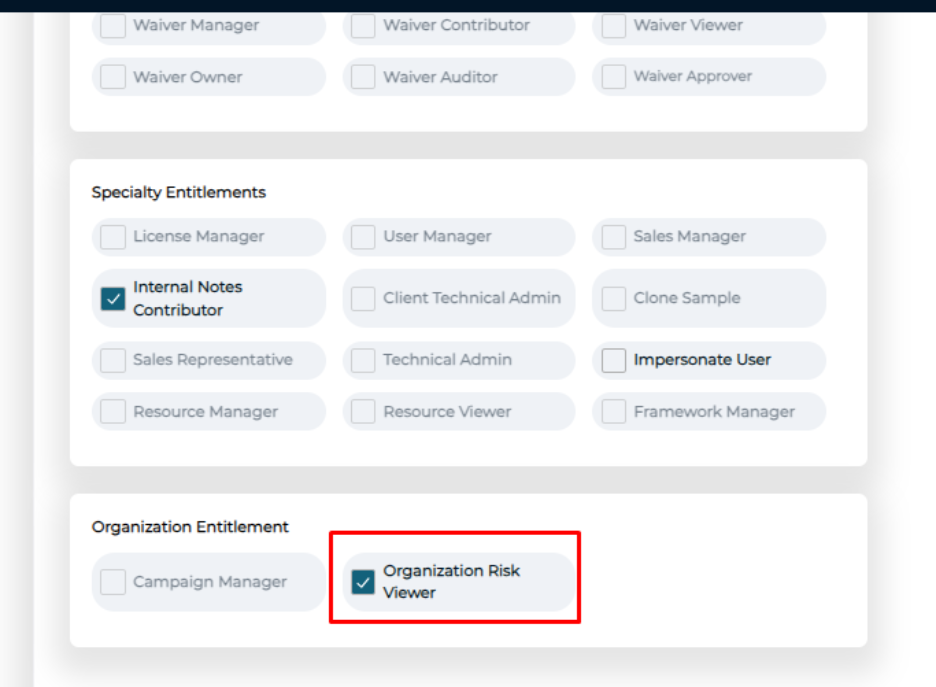
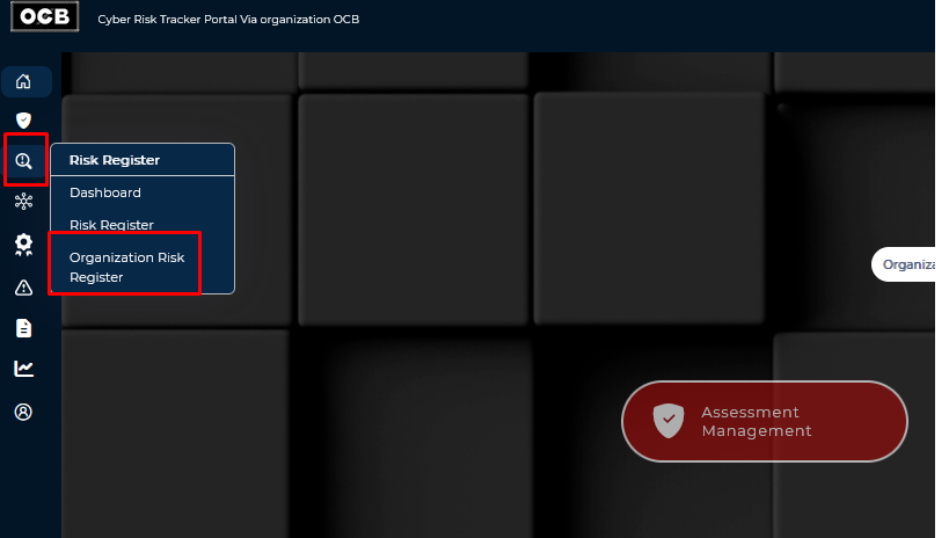
After the entitlement is assigned and the user signs in, the Organization Risk Register screen becomes available.
The screen displays all risks associated with the clients under the organization selected from the dashboard.
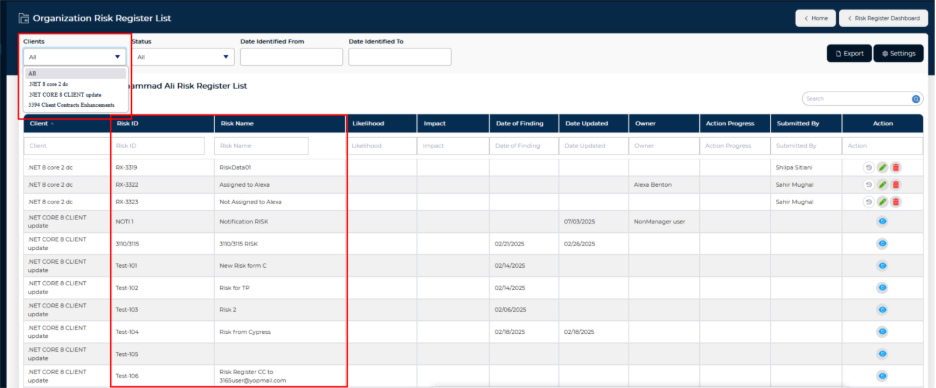
Important: This screen only displays risks where the user has an active entitlement for the Risk Register module. The risks visible are governed by the user’s specific entitlement for each client.
Examples:
- Users with the Risk Viewer entitlement have view-only access to risks for that client. Risks displayed on the screen cannot be modified and remain read-only.
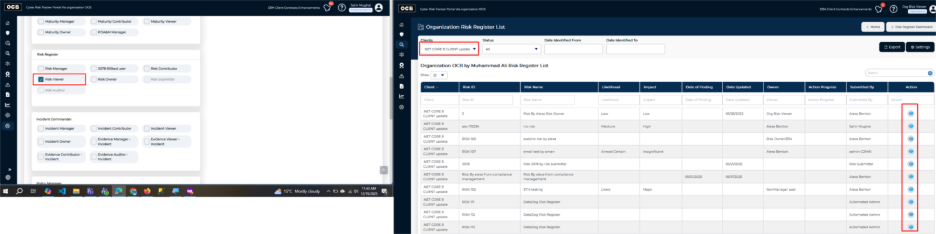
- Users with the Risk Manager entitlement have edit and delete access. Risks displayed on the screen can be updated and removed.

- Users with the **Risk Owner** entitlement have edit access for the selected client, but only for risks explicitly assigned to them. Risks not under their ownership will not appear.

Export Capabilities:
Users can now export risks for all clients directly from the Organization Risk Register, improving flexibility for reporting and analysis.